How to use each part of Patchd.
Getting startedHow do I start using Patchd?
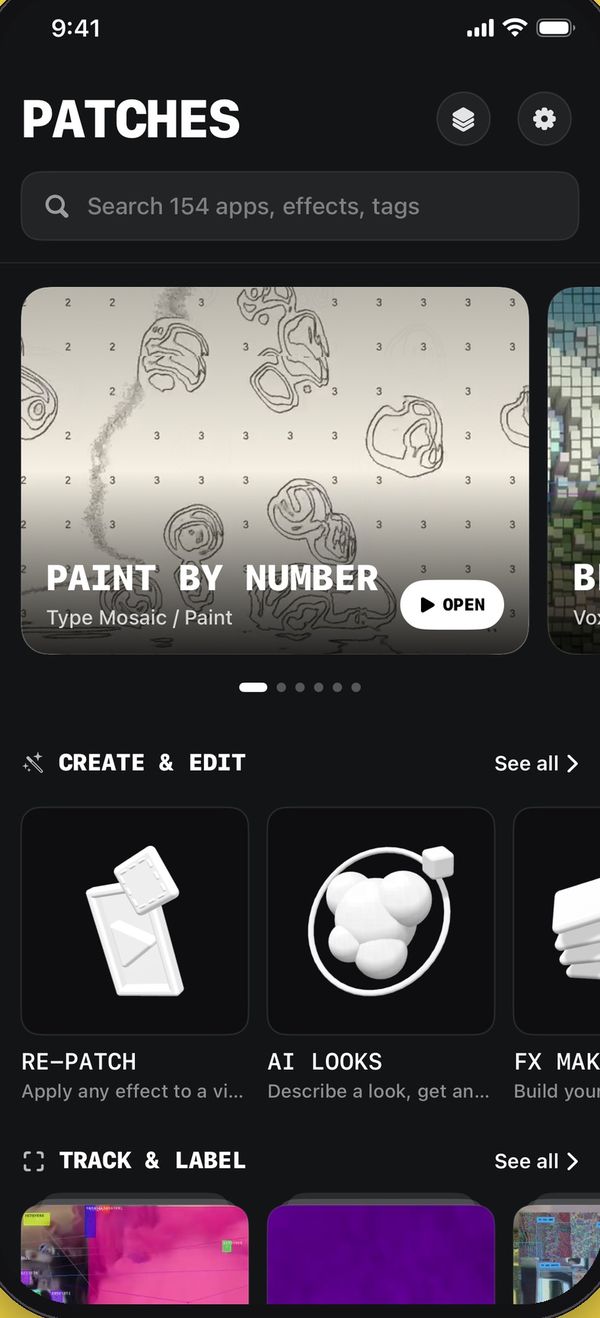
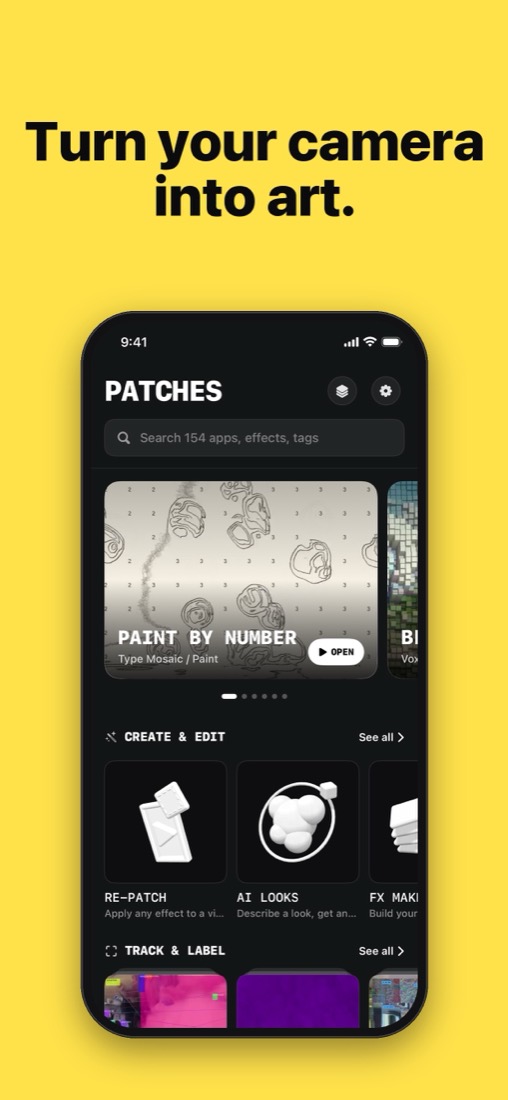
Open the app on Explore and tap any camera app: it opens on your live camera. Swipe the row of circles under the shutter to switch effects, and pick a category from the chips under it (My FXs, Favorites, Trending and more). Explore, Remix and You at the bottom take you to everything else.
CameraHow do I take a photo or record a video?
Tap the shutter for a photo and hold it to record a video. Your take opens in a preview where you can save it, share it, or open it in Re-Patch. Free accounts record every effect with a small watermark.
CameraWhat do the buttons on the camera do?
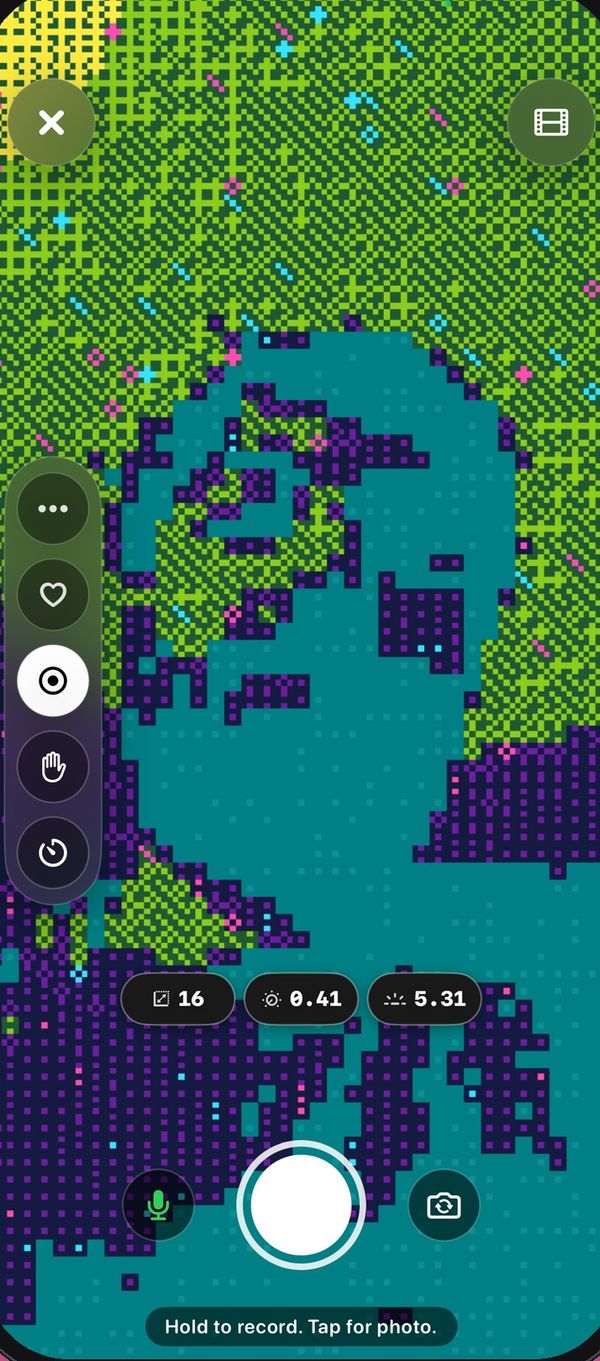
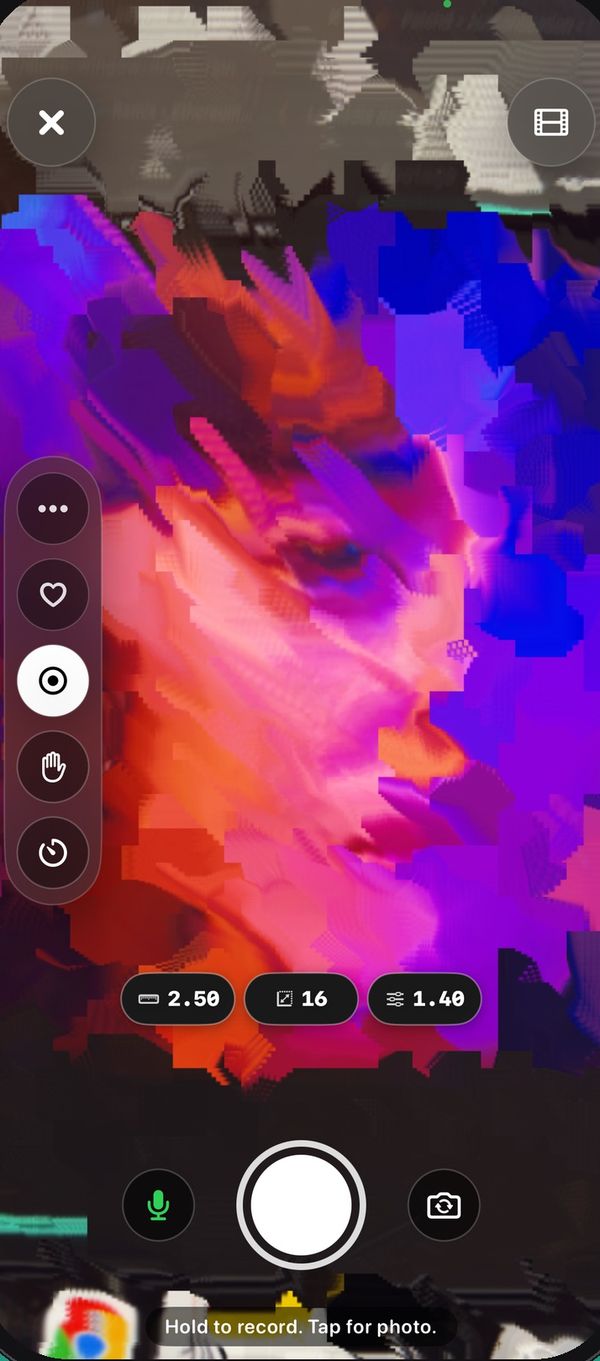
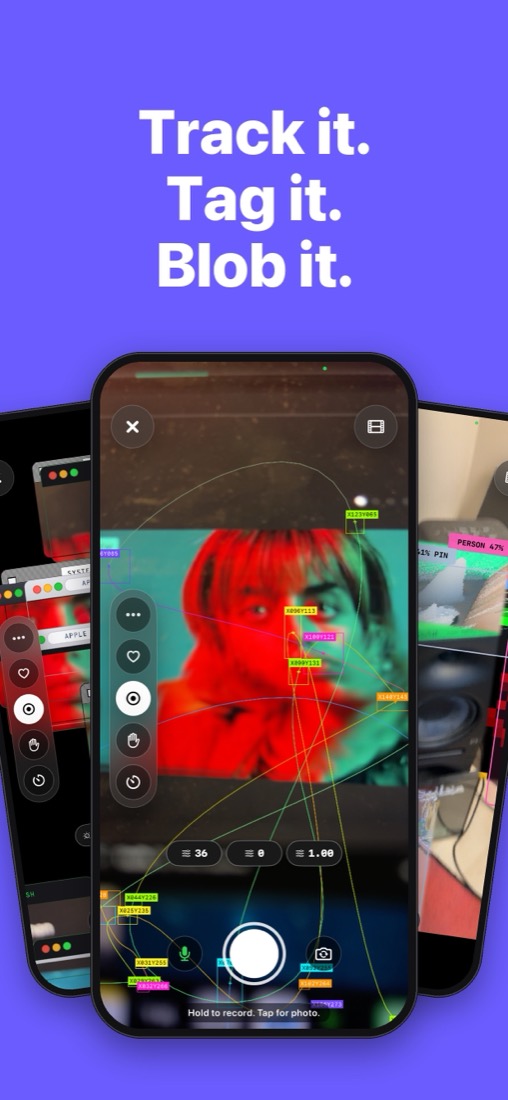
On the right: flip between the front and back camera, the light, and the timer. The arrow under them shows the rest: hands-free recording, aspect ratio (Full, 9:16, 4:5, 1:1), the microphone, video import and the effect's settings. Hold the picture to lock focus, and slide up or down while holding to change the brightness.
CameraCan I record without holding the button?
Yes. Turn on Hands-free (one tap starts, another stops) or the Timer (it counts down, then records) from the camera's tools. Apps you play with both hands offer them right above the shutter.
FX MakerHow do I build my own FX?
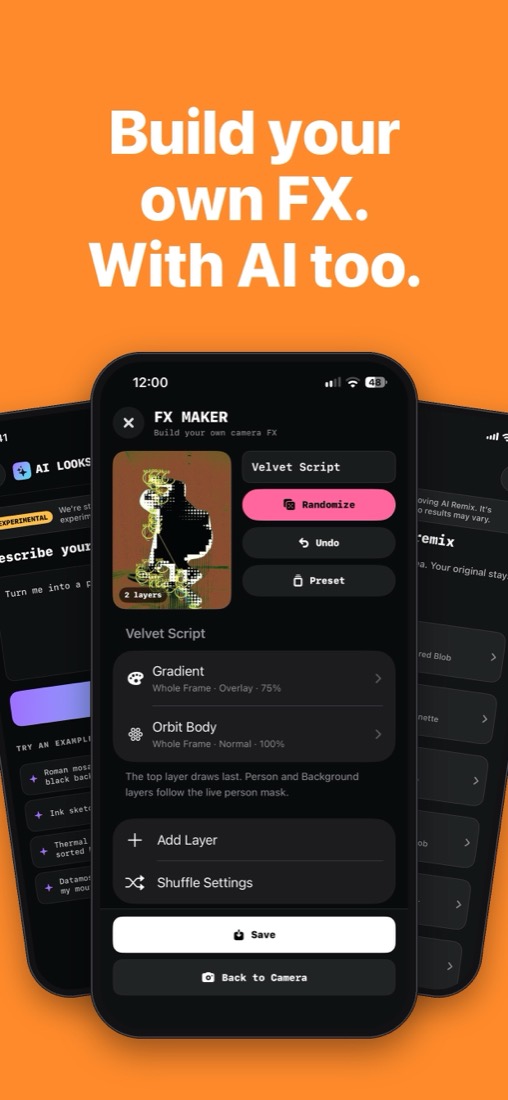
Open FX Maker. Tap RANDOM to roll a stack of effects, or EDIT to open the editor: add layers, reorder them, set where each one shows (on you, the background or the whole picture), its blend and strength, and let your face or hands control it. SAVE puts it in My FXs.
AI LooksHow do AI Looks work?
Describe a look in your own words, such as "neon ghost with a glitchy mosaic background", and Apple Intelligence builds it as an FX stack from Patchd's own effects. Keep refining it with more words, then save it. AI Looks needs a device and region that support Apple Intelligence, with it turned on.
My FXsWhere are my saved effects?
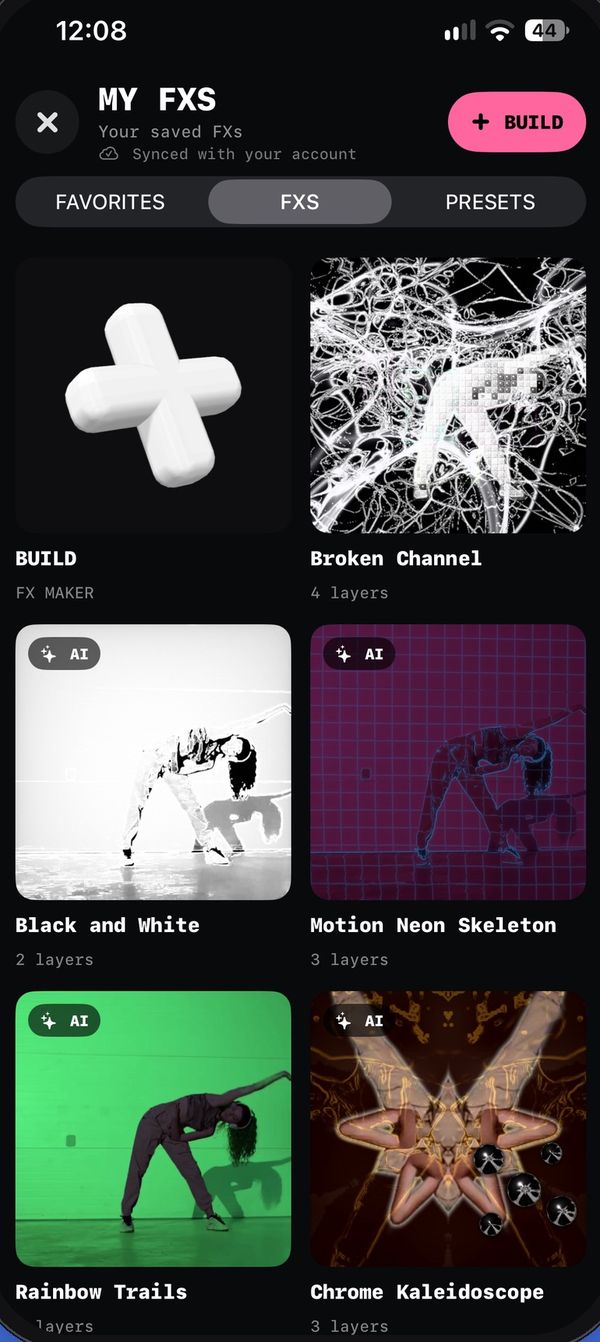
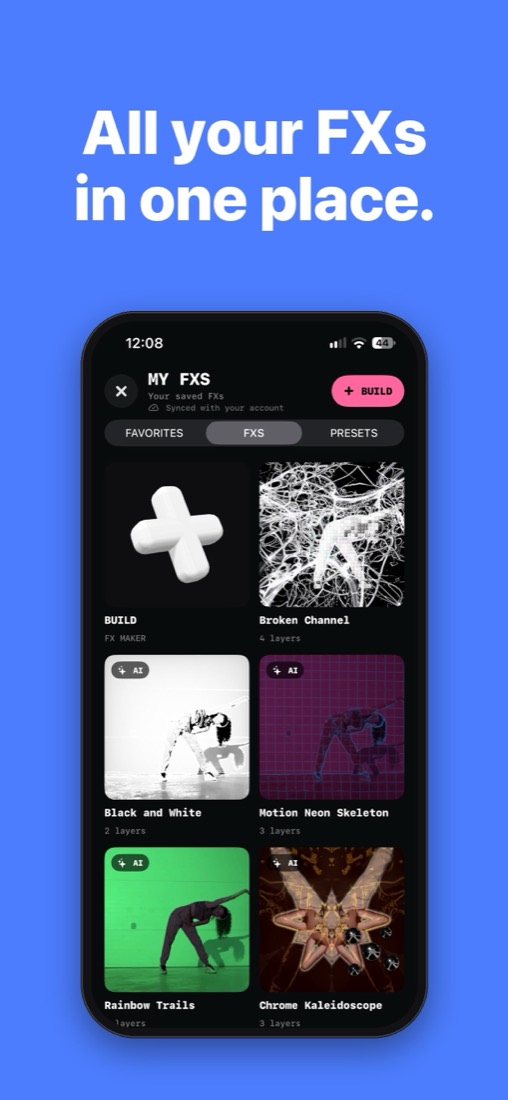
Everything you build, roll, describe or remix is saved to My FXs under You. Use any of them live in the camera, on photos, or on videos with Re-Patch. Signed in, My FXs sync to your Patchd account and come back after a reinstall.
Re-PatchHow do I put an effect on a video I already have?
Open Re-Patch, choose a video from your library (or the one you just recorded), pick an effect or one of your FXs, and render. Free accounts render clips up to 15 seconds; Patchd Pro renders full length.
RemixHow do I share my FX or use someone else's?
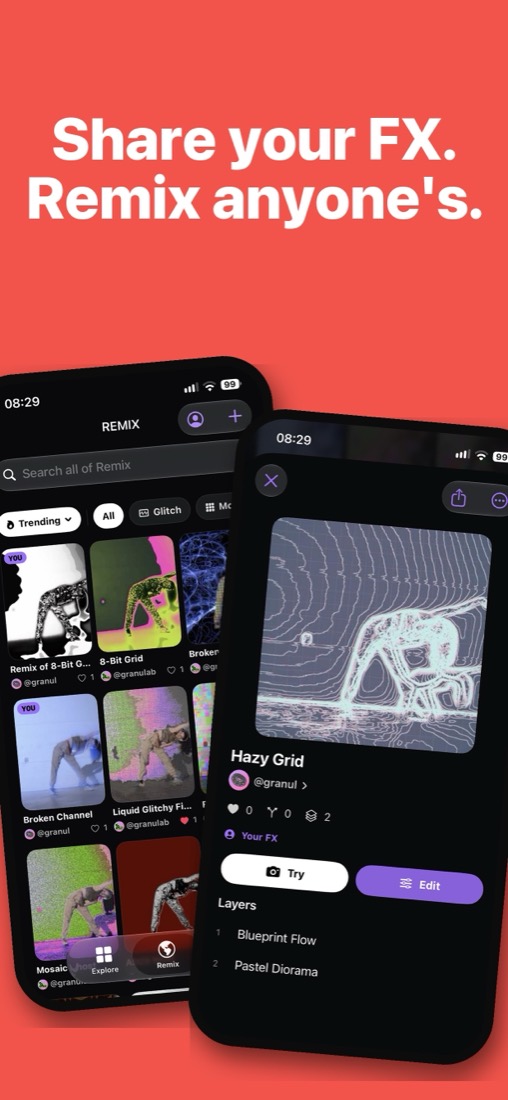
On Remix, publish one of your FXs with the + button. Browse Trending and New, search, and filter by style. Open any FX to try it on your camera, like it, or remix it into your own copy. Tap a creator's name to see all of their FXs; you're notified when someone likes or remixes yours.
More toolsWhat else can I make?
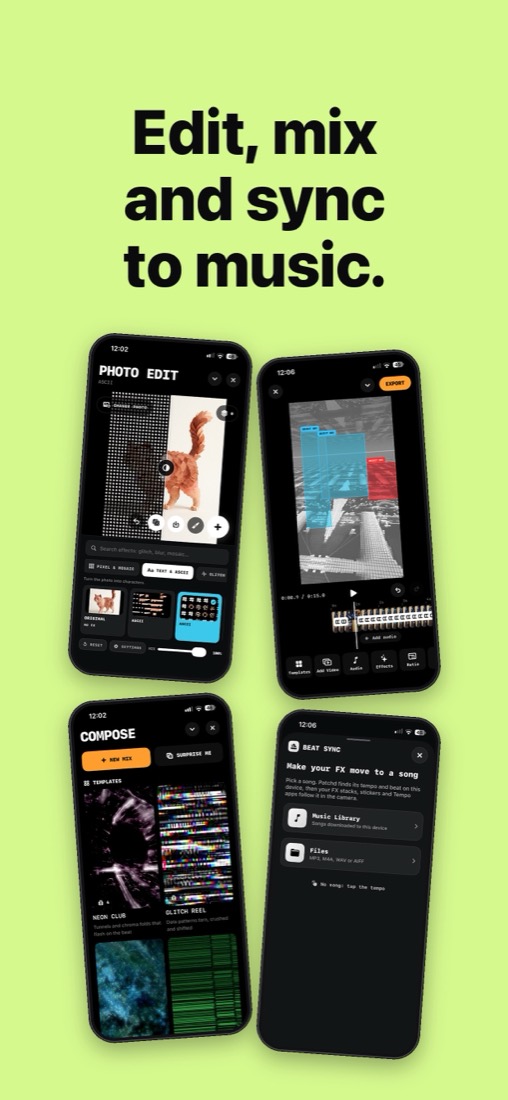
From Create & Edit on Explore: edit and cut videos to the beat in the Video Editor, sync effects to a song with Beat Sync, add effects to photos in Photo Edit, and build layered shader scenes in Compose.
PresetsCan I save my favorite settings of a camera app?
Yes. Change a camera app's settings, then save them as a preset: it opens with exactly those settings next time. Your presets are under You too.
Patchd ProWhat do I get with Patchd Pro?
Patchd is free. Pro removes the watermark and unlocks 1080p and 60 fps exports, full-length Re-Patch, unlimited saved FXs and presets, AI Looks and every Beat Sync song. Choose Pro Monthly or Pro Lifetime. Bought Patchd before it went free? Pro is yours for life.
PrivacyIs my camera uploaded anywhere?
No. Your camera, photos and videos are processed on your device and aren't uploaded by Patchd. Your saved FXs and presets sync to your account, and only the FXs you choose to publish on Remix are shared.

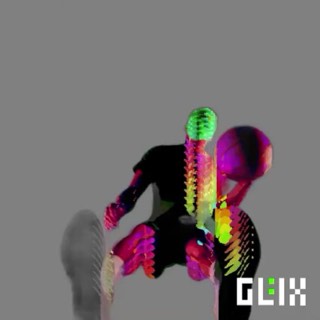
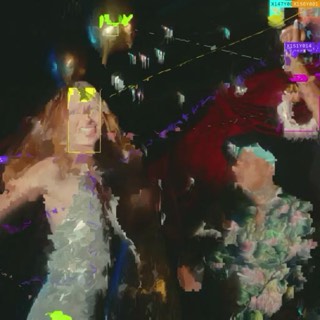
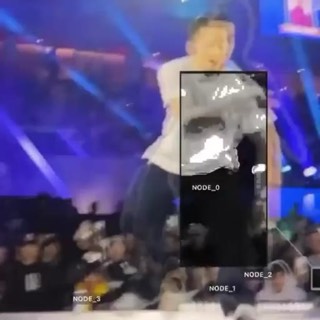
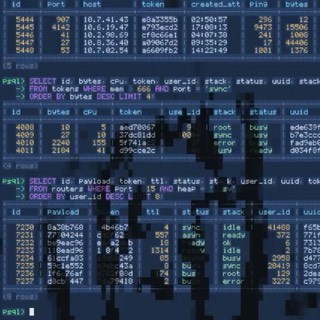
 OBJECT FIND
 OBJECT BLOB
 BLOB BODY
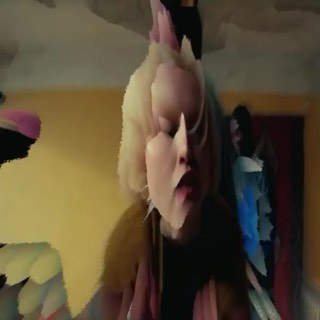 PINCHED
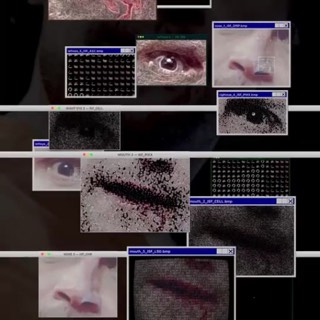 FACE CASTER
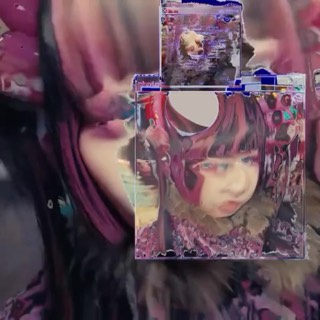 FACE DEPTH
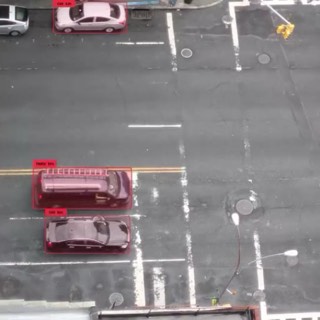 OBJECT FIND RAW
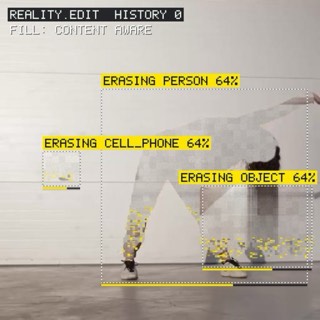 OBJECT ERASE
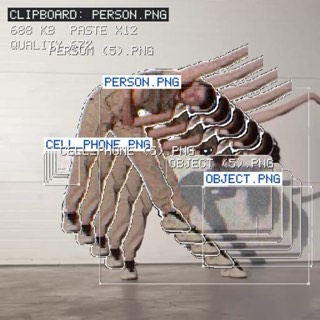 OBJECT CLONE
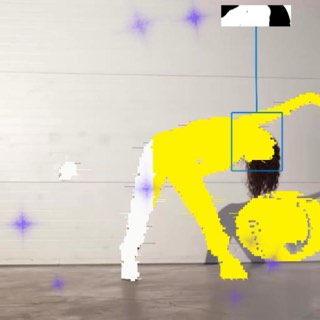 OBJECT CUTOUT
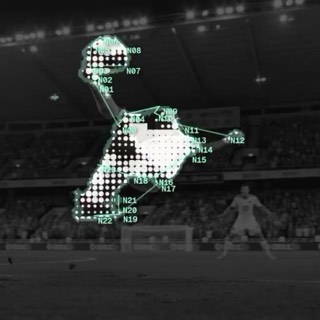 NODE LINK
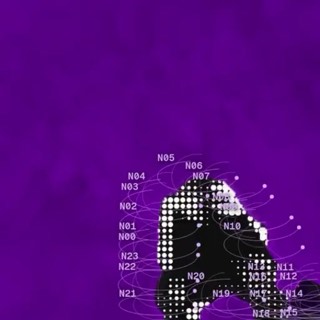 ORBIT BODY
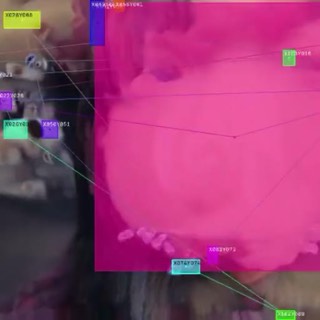 COLORED BLOB
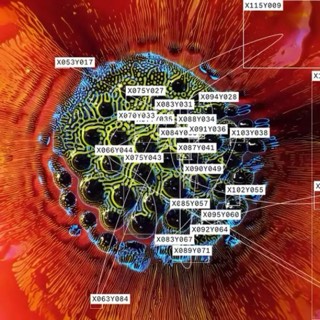 SIMPLE BLOB
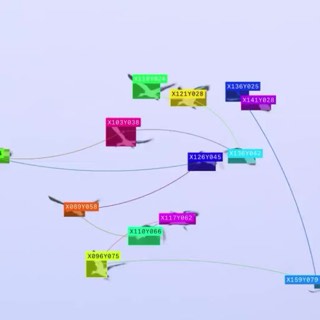 TEXT BLOB
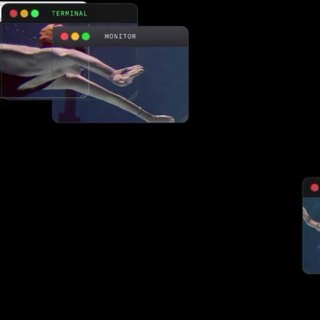 WINDOW BLOB
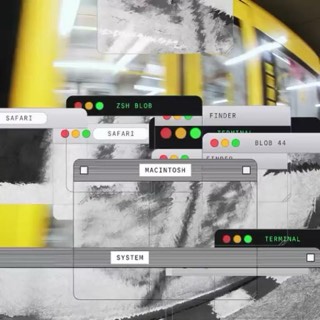 BLOB DRAW
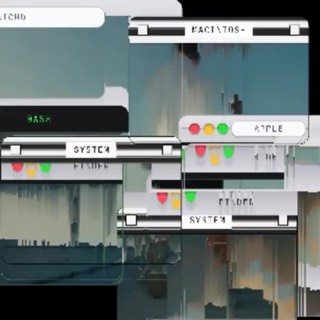 BLOB SORT
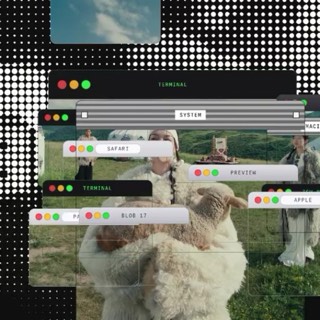 BLOB DARK
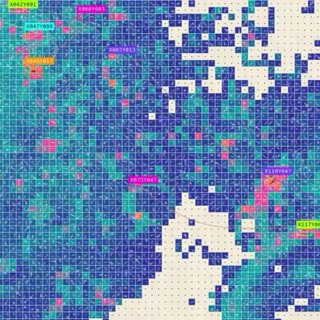 BLOB MOSAIC
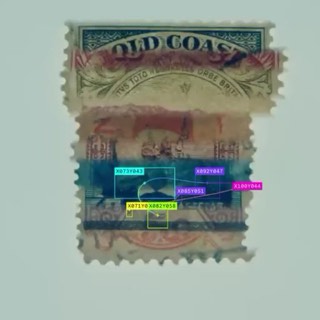 BLOB SLIT
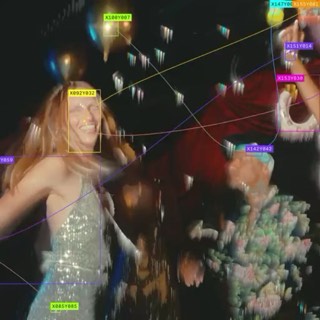 BLOB MELT
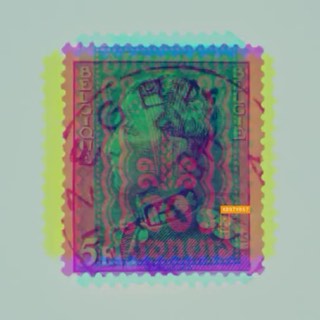 BLOB DRIFT
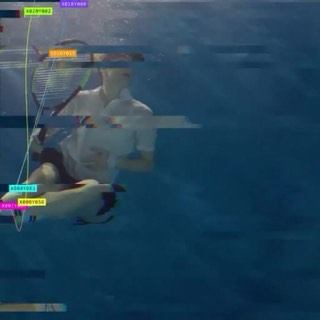 BLOB TEAR
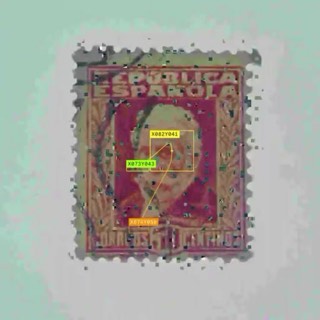 BLOB ROT
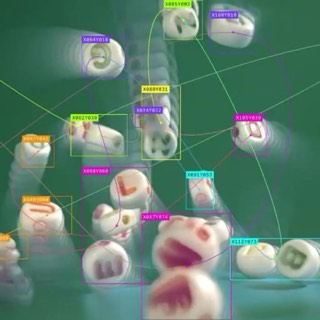 BLOB LOOP
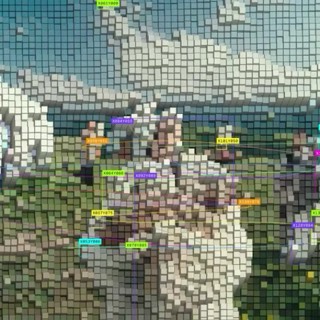 BLOB VOXEL
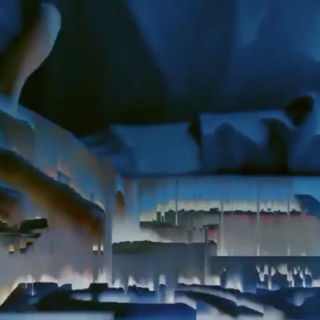 PIXEL SORT LIVE
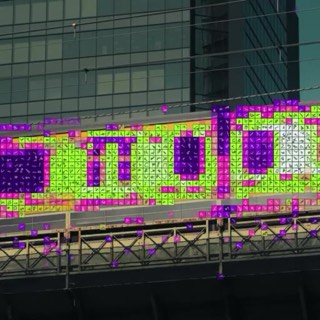 MOSAIC MOTION
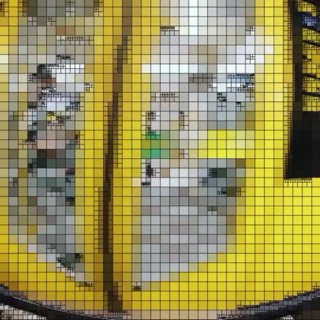 QUAD MOSAIC
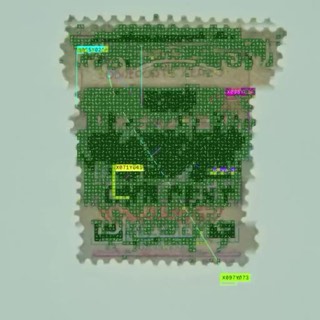 MOSAIC SPLIT
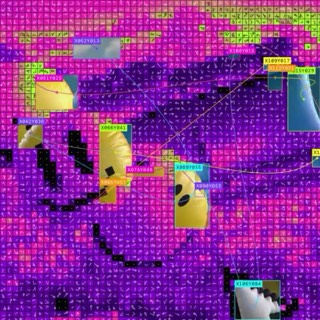 MOSAIC REVEAL
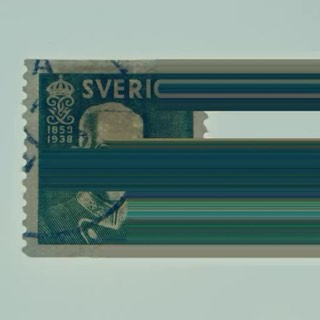 PIXEL DRAG
 MOTION WARP
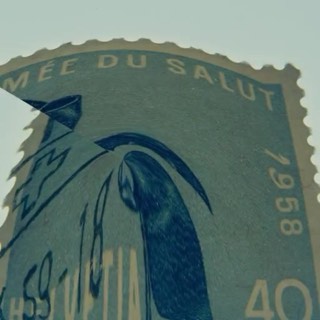 POLAR MORPH
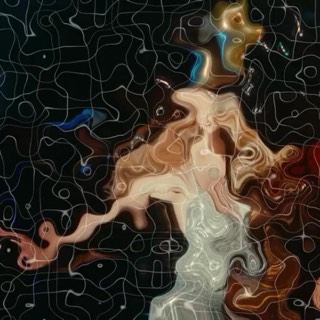 RUBBER MESH
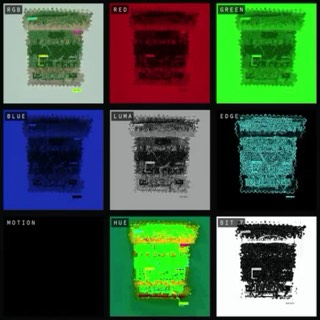 FRAME X-RAY
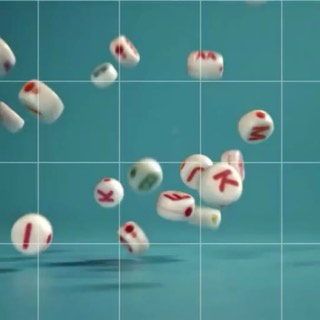 SHATTER GRID
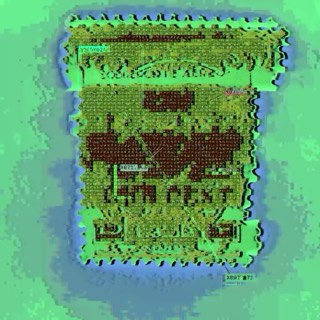 LAYER PEEL
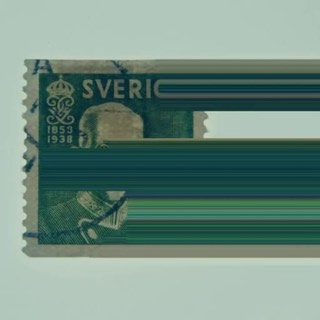 TIME TILES
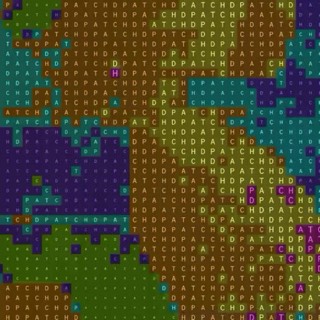 CHROMA TYPE
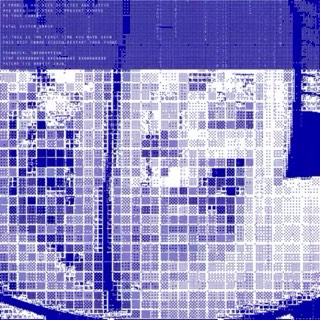 BLUE SCREEN
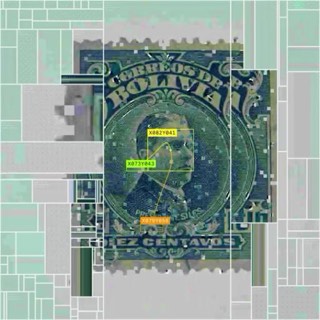 FACE GRID
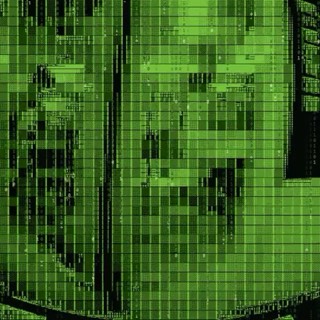 BINARY RAIN
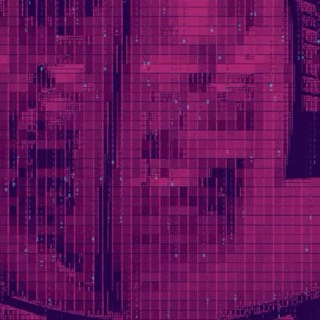 CANDY CODE
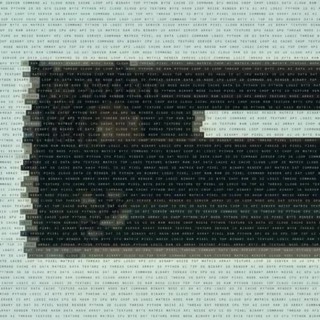 WORD MOSAIC
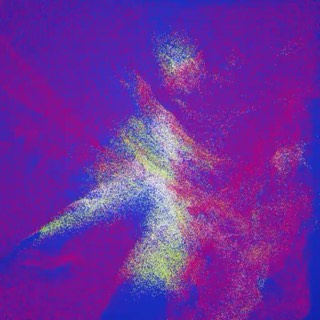 POINT MORPH
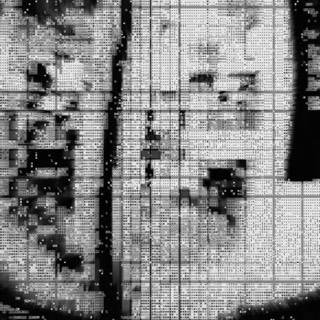 ASCII NOIR
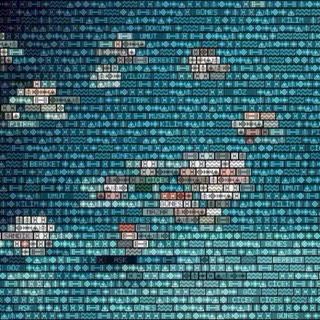 KILIM WEAVE
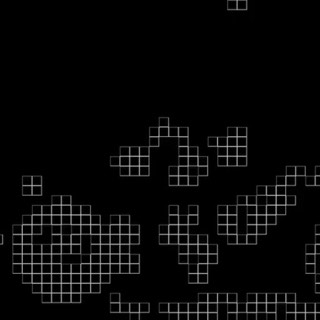 BLOB LAB
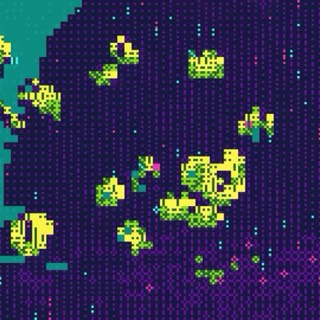 GLYPH GHOST
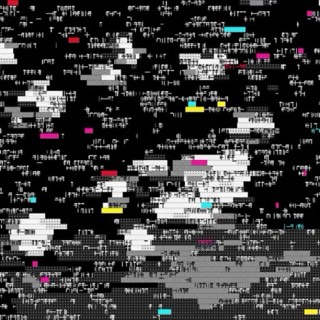 WORD SHAPES
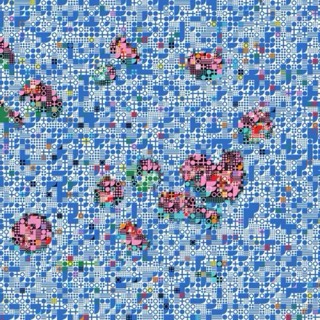 PATTERN GRID
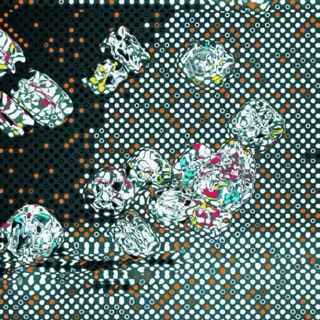 DOT FIELD
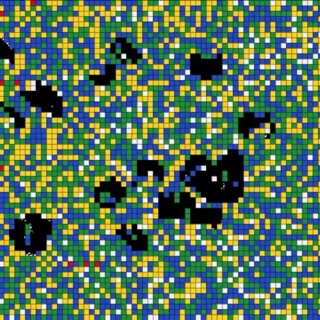 CONTOUR BODY
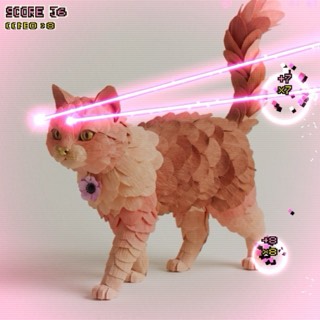 LASER PAWS
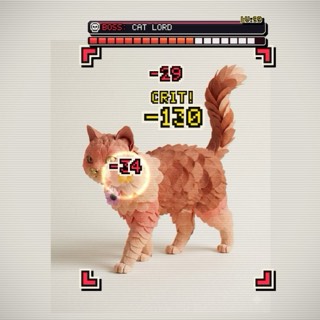 PET BOSS
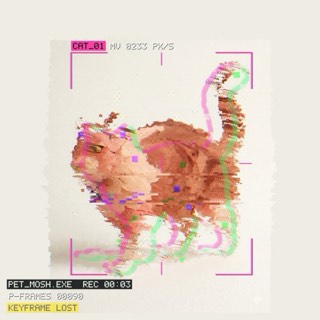 PET MOSH
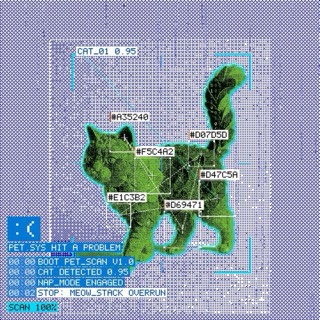 PET SCAN
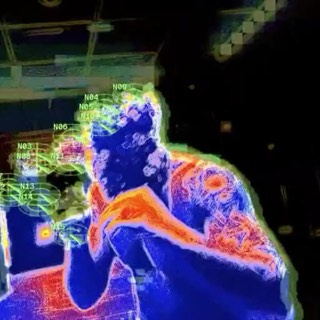 RADAR BODY
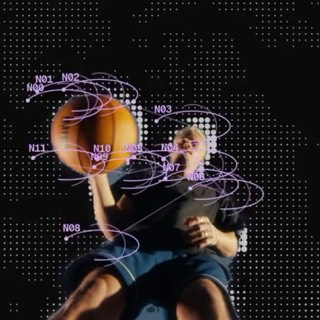 SCAN SLICE
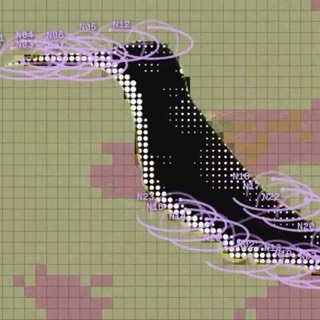 TYPE CELLS
 ECHO NODES
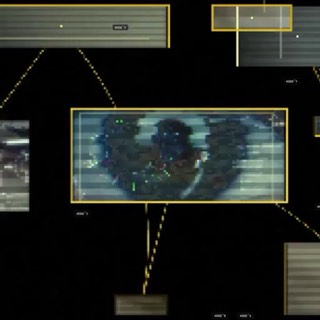 BLOB PATCH
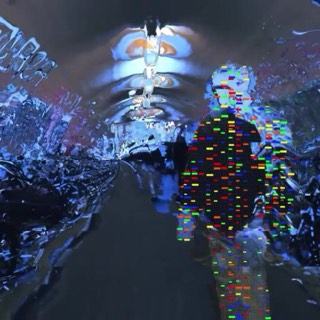 SUBJECT RASTER
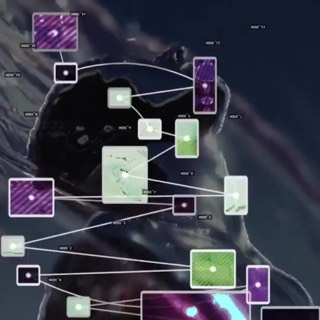 BLOB DOTS
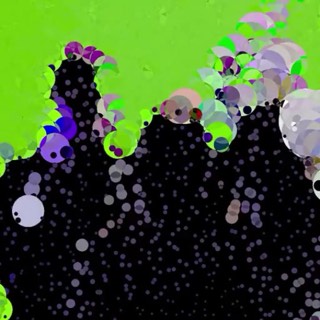 PIXX
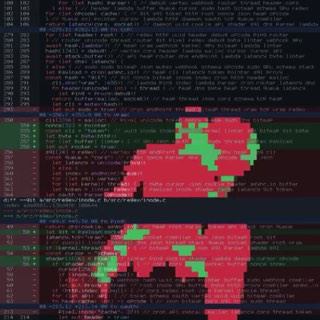 DIFF REVIEW
 GIT LOG
 LOG TAIL
 PROCESS MONITOR
 ASM DEBUGGER
 HEX EDITOR
 FILE COMMANDER
 PACKET SNIFFER
 JSON VIEWER
 DOTS
 CAMERA BIT
 CAMERA DEPTH
 CAMERA 3D BLOB
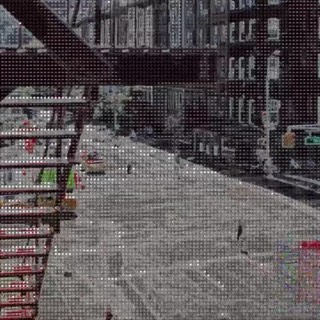 ASCII EDGE
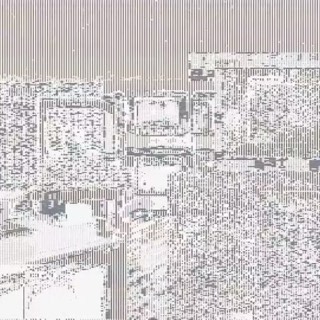 JITTER
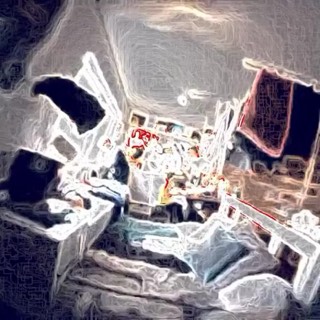 COLOR LIFT
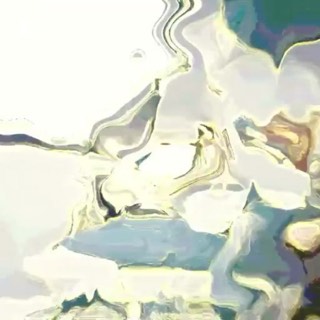 DST CURL
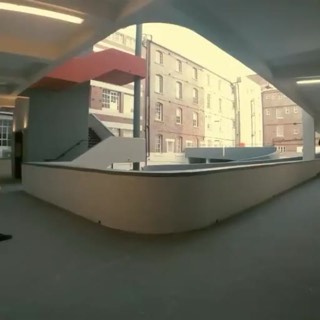 RED BLACK
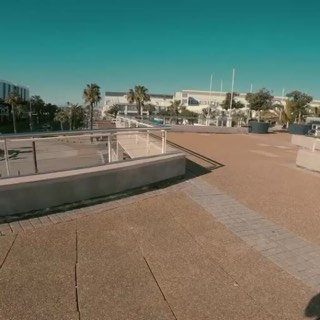 PINK GREEN
 CONTOUR
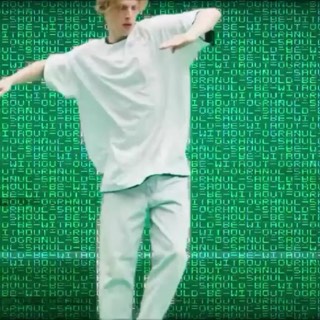 SHADERTATION
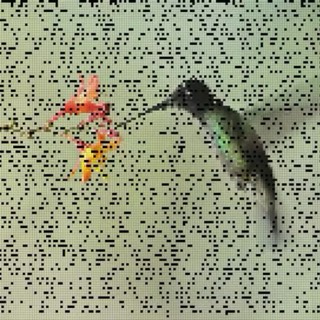 SANDFALL
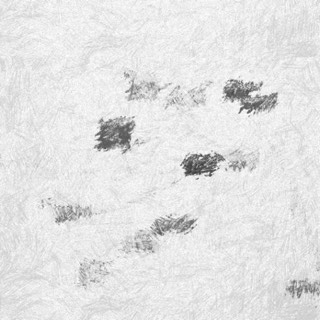 DRAWED
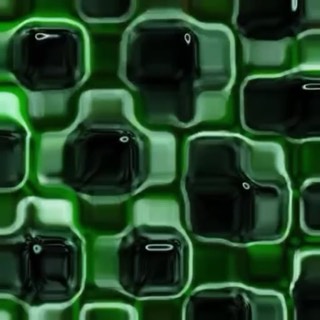 CUBED
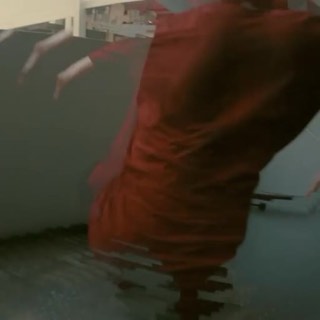 MOTION TRAIL
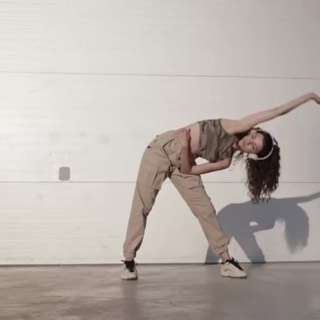 BODY TRAIL
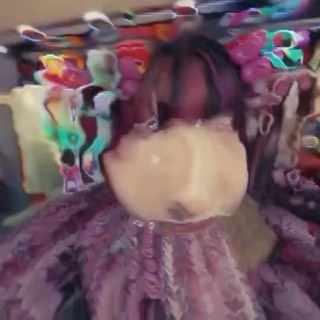 MOTION DEPTH
 INK
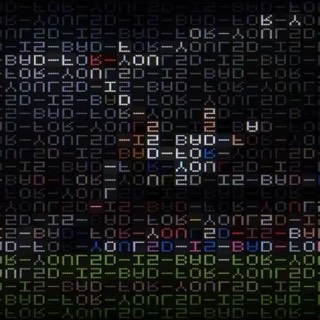 PUZZLE
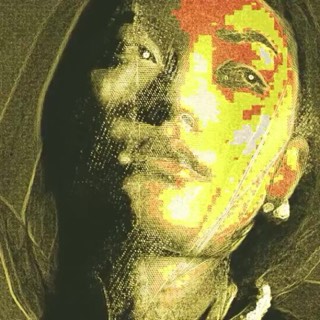 QUAD
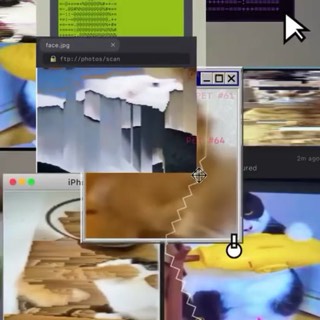 PET PATCH
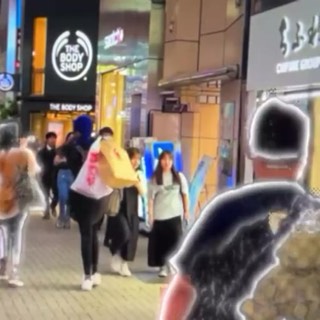 SEGMENTATION
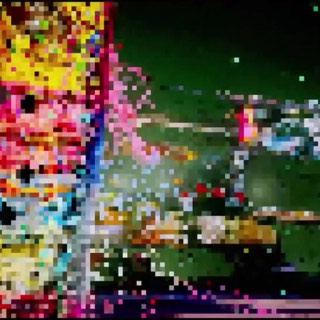 PIXELATE
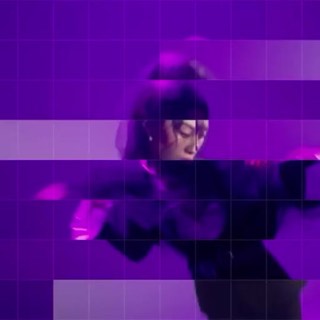 GRID DELAY
 GLASSED
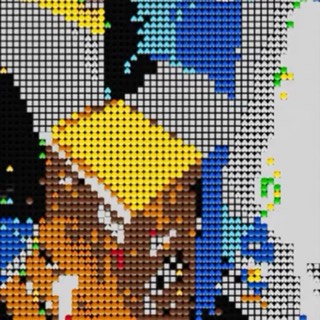 EMOJI CAM
 SLIT SCAN
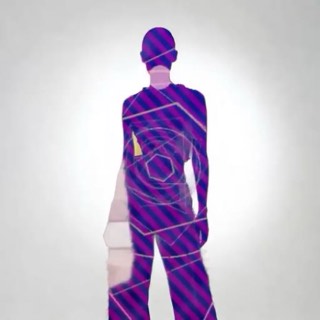 HTML SWAP
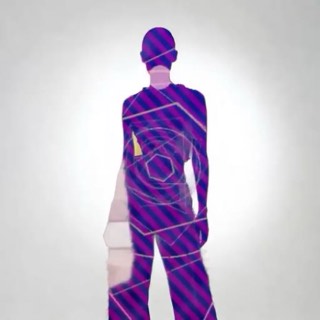 VIDEO SWAP
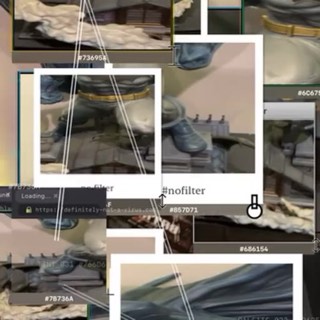 COLOR HUNT
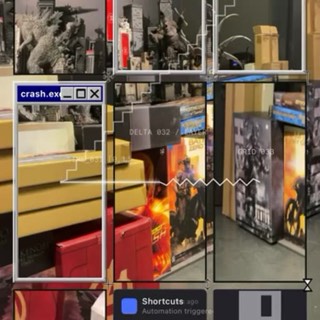 TIME GRID
 LOOP CAM